Import & Export Data
Easily manage large guest lists with STEVEN's import and export features.
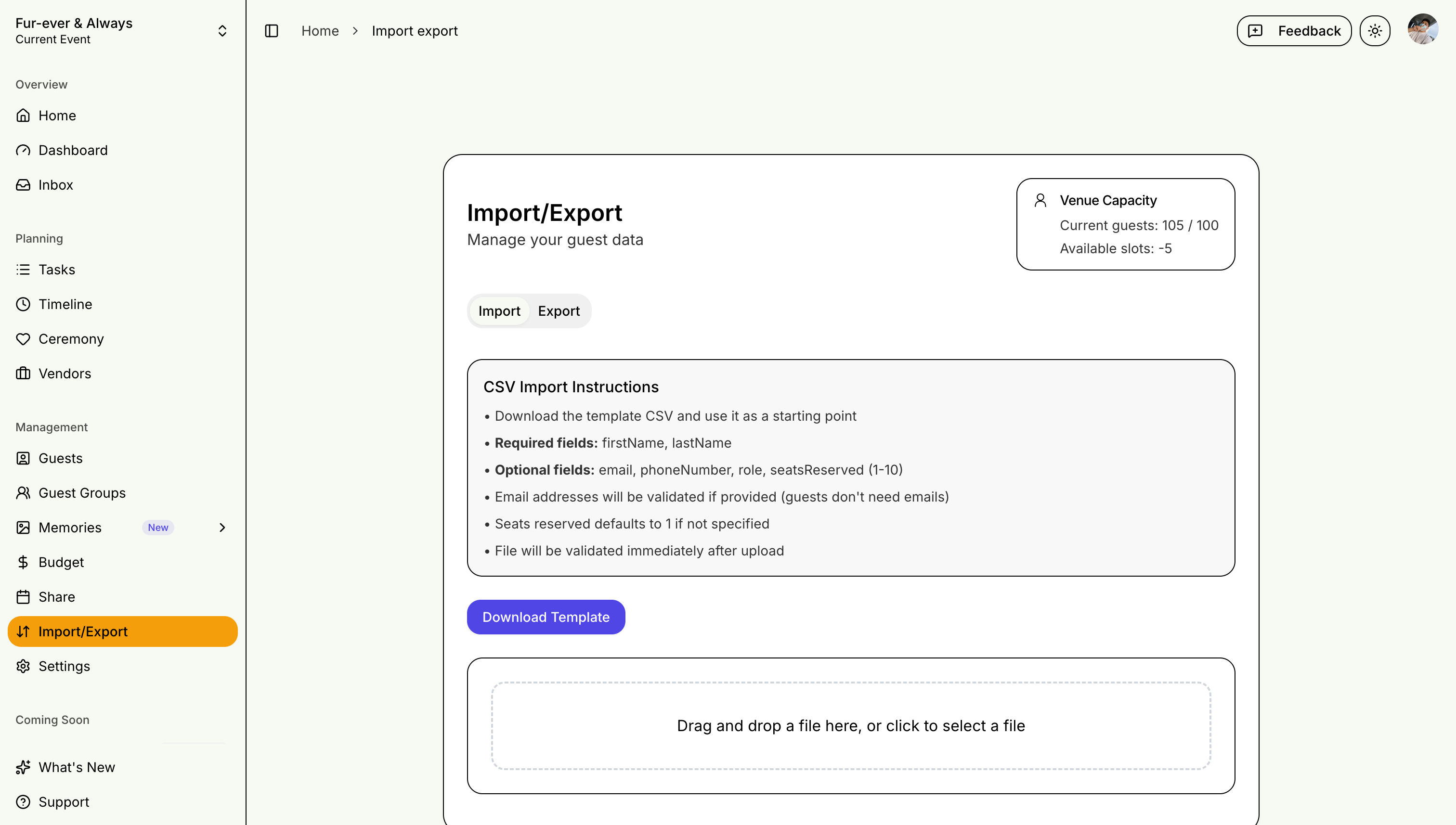
Importing Guests
Supported Formats
- CSV (Comma Separated Values)
- Excel (.xlsx)
Import Process
- Download our template (or use your own spreadsheet — any format works)
- Fill in guest information
- Upload your file
- Smart column mapping auto-detects common column variations like "First Name", "first_name", or "Email Address"
- Preview the mapped data, review and fix any errors
- Confirm import
Template Columns
- First Name, Last Name
- Email, Phone
- Family Side
- Guest Role
- Plus One
- Dietary Restrictions
Plan Limit Awareness
The import page shows your current guest count against your plan limit and how many slots remain, so you know before importing whether your list will fit.
Import History
Every import is logged. Check the import history on the Import & Export page to see when files were imported and how many guests each one added.
Exporting Data
What You Can Export
- Complete guest list
- RSVP responses
- Filtered selections
Export Formats
- CSV for spreadsheets
- Excel for detailed editing
Regular exports serve as backups of your event data!