Ceremony Planner
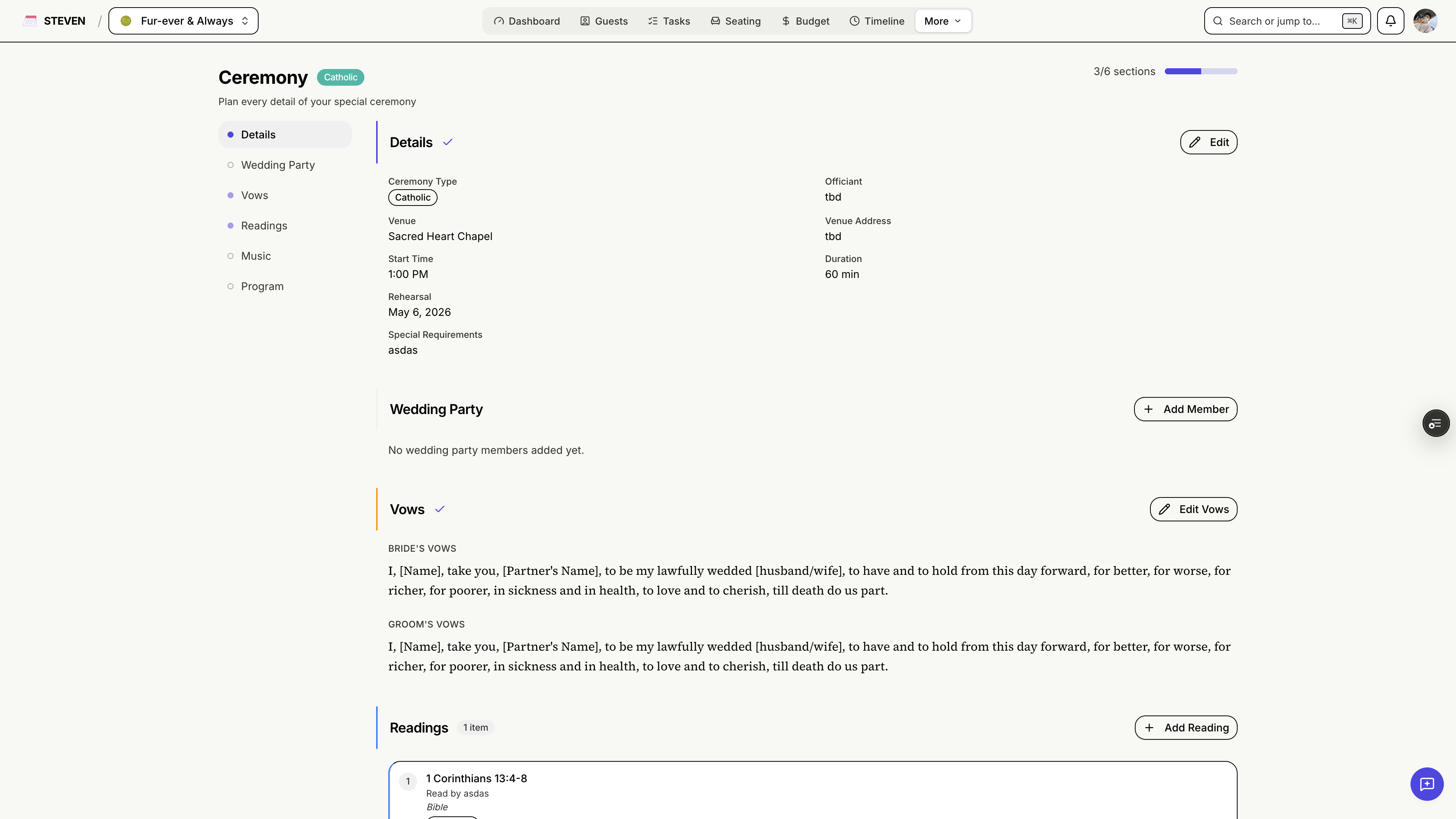
Plan the heart of your wedding day — from the processional to the program — in one dedicated workspace. The Ceremony planner is available for wedding events (you can toggle it on or off in Settings → Features).
Getting Started
Accessing the Ceremony Planner
- Click Ceremony in your event navigation
- A progress tracker at the top shows how complete each section is
The Six Ceremony Sections
1. Details
The basics of your ceremony — officiant, venue specifics, style, and notes.
2. Wedding Party
Organize everyone with a role in your ceremony:
- Bridesmaids and groomsmen
- Principal Sponsors (godparents and honored guests)
- Veil, Cord, and Coin Sponsors
- Flower girls, ring bearers, and other special roles
Wedding party members can also be assigned tasks from the Task Manager.
3. Vows
Draft and refine your vows side by side — keep them private until the big moment.
4. Readings
Plan your readings: who reads, what they read, and in what order.
5. Music
Track every musical moment — processional, recessional, and key songs in between.
6. Program
Build your ceremony program element by element, in order, with timing.
Sync to Timeline
Once your program is ready, click "Sync to Timeline" to push the ceremony program into your day-of Timeline. No double entry — your coordinator, vendors, and wedding party all see the same schedule.
A well-planned ceremony is a calm ceremony — let STEVEN keep every detail in its place!