Vendor Management
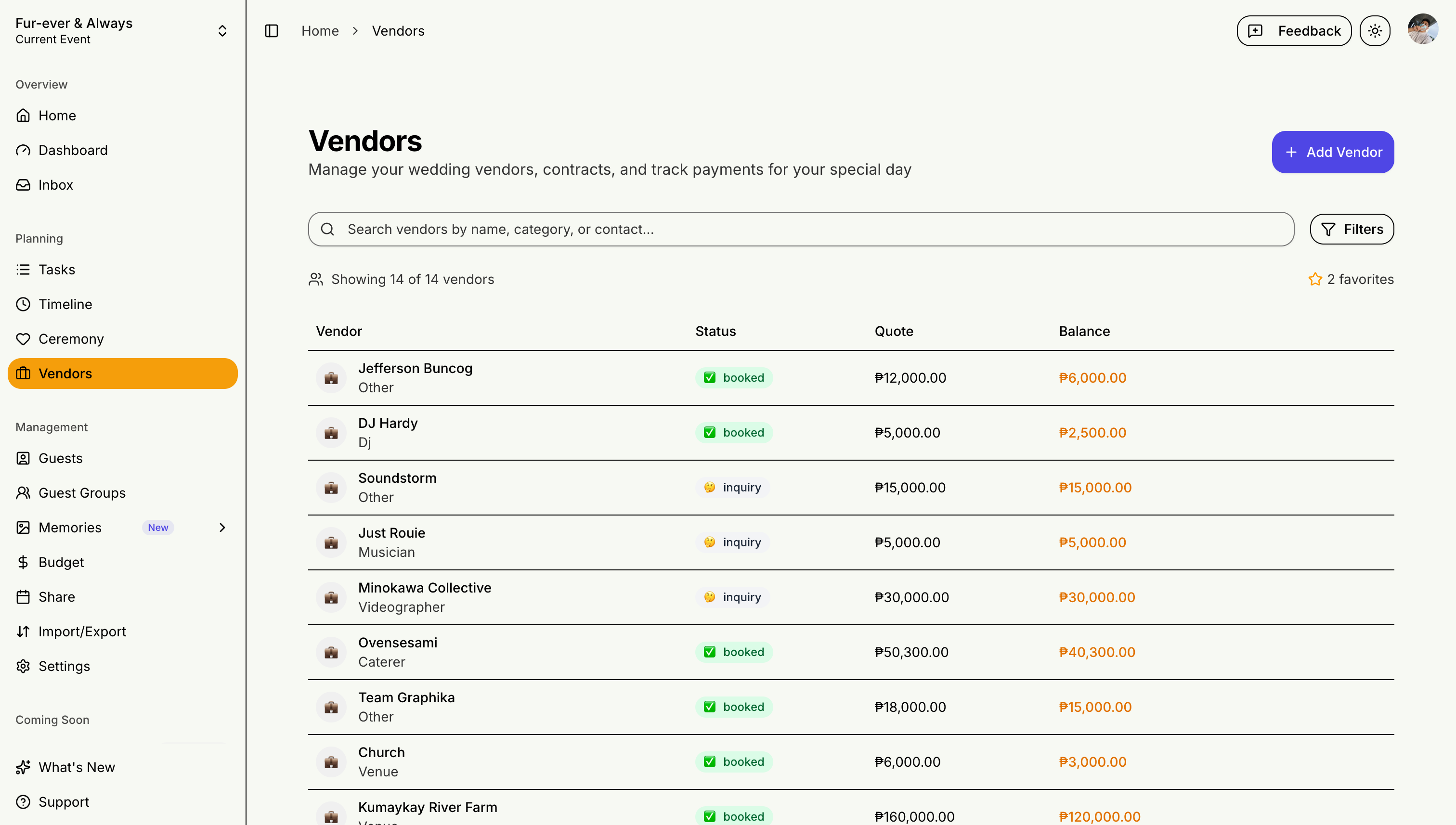
Keep all your vendor information organized in one place. Whether you're managing a single event or coordinating vendors across multiple client events, STEVEN gives you deep vendor workflows with contracts, payment schedules, and automated reminders.
Adding Vendors
Vendor Information
- Business name and contact
- Services provided
- Contract details
- Payment schedule
Vendor Categories
- Venue
- Catering
- Photography/Videography
- Florist
- Entertainment
- And more...
Managing Contracts
Contract Tracking
- Upload contracts
- Track payment milestones
- Set reminder dates
Communication Log
- Record conversations
- Note important details
- Track changes
Payment Tracking & Reminders
STEVEN tracks each vendor's payment schedule with due dates, amounts, and paid/unpaid status:
- Upcoming payments appear on your dashboard with a count of what's due in the next 14 days
- Automated reminders notify you 3 days before a payment is due
- Overdue alerts fire when a payment passes its due date
- Deposits and installments are tracked separately to prevent double-counting in your budget
Notifications appear in your Inbox and can be toggled from Settings > Notifications.
For Coordinators
Professional event coordinators benefit from:
- Vendor data per event — each event has its own vendor list, contracts, and payment schedules
- Budget integration — vendor payments automatically flow into the budget tracker with category breakdowns
- Dashboard visibility — vendor summary card on the dashboard shows total vendors and upcoming payments at a glance
Good vendor relationships make for a stress-free event day!