Budget & Expense Tracking
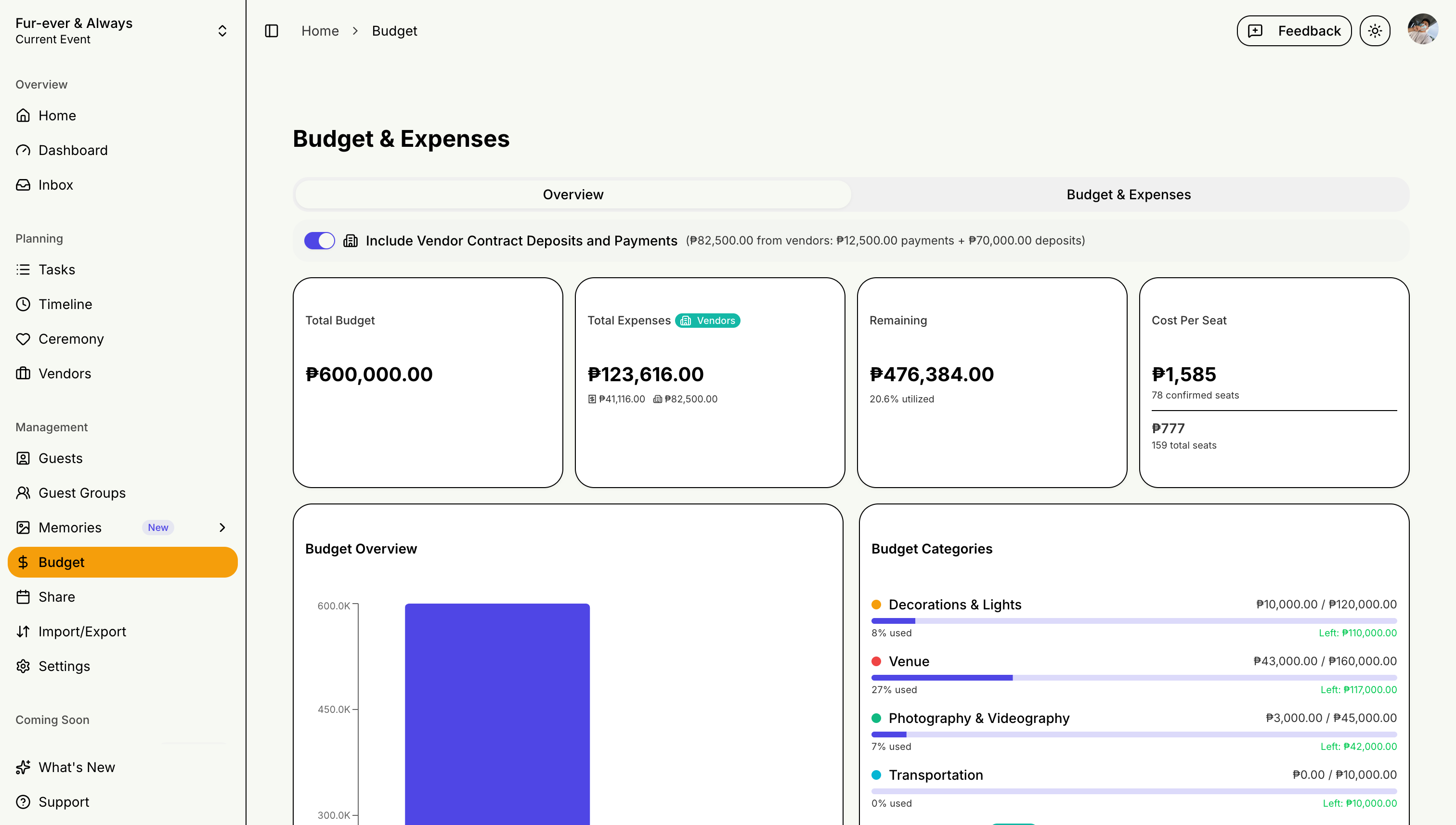
Keep your event finances under control with STEVEN's budget tracking features. Whether you're managing your own wedding budget or tracking expenses for a client, the budget page gives you category breakdowns, vendor payment integration, and cost-per-guest metrics.
Setting Up Your Budget
Local Currency
Your budget is tracked in your local currency, detected automatically from your location (PHP for the Philippines, for example). Amounts everywhere — expenses, categories, cost-per-guest — display in that currency.
Budget Page Tabs
The budget page is organized into four views:
- Overview — budget progress and cost-per-guest at a glance
- Ledger — every expense in one list
- Categories — per-category caps and spending
- By vendor — expenses grouped by vendor
Creating Budget Categories
Common wedding budget categories:
- Venue & Catering
- Photography & Videography
- Attire & Accessories
- Flowers & Decorations
- Entertainment & Music
- Invitations & Stationery
- Transportation
Setting Budget Limits
- Enter your total budget
- Set spending caps per category on the Categories tab
- Watch the per-category progress as expenses come in
Tracking Expenses
Recording Expenses
- Click "Add Expense"
- Select category
- Enter amount and vendor
- Add notes and receipts
Expense Status
- Pending: Quote received
- Paid: Partially or fully paid
- Overdue: Payment past due
Budget Overview
Dashboard Metrics
- Total Budget vs Spent
- Remaining Balance
- Category Breakdown
- Payment Timeline
Cost Per Guest
The budget page displays a live cost-per-guest metric calculated from your total expenses and confirmed guest count. This updates automatically as expenses and RSVPs change.
Vendor Payment Integration
Vendor payments (deposits, installments, final payments) flow automatically into your budget tracking. The dashboard shows a budget progress bar and upcoming payment count so you never lose visibility.
Stay on top of your event finances with regular budget reviews!